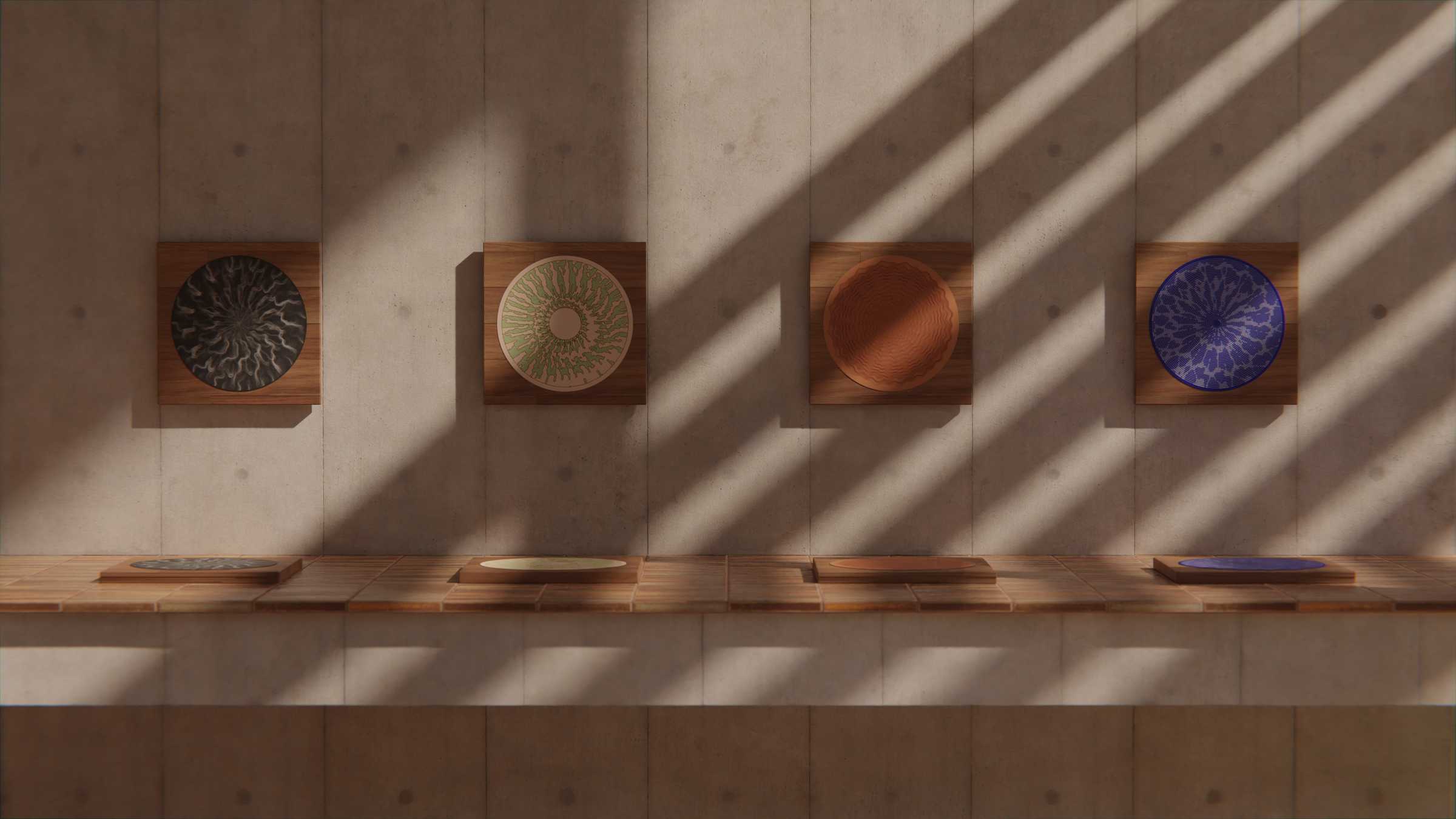
Generative Animation for Stroboscopic Discs
May 10, 2022Earlier this year I took part in Genuary, a month-long challenge for generative design and code art. Every day for the month of January, the community was given a prompt to interpret as they choose, such as 'draw 10,000 of something' or 'color gradients gone wrong'.
As a card-carrying perfectionist, it's rare that I ever iterate on one subject matter five times let alone 31, so I saw this as being an opportunity to hone my skills and extend my knowledge in one particular domain.
That's why I set myself the additional challenge of responding to each prompt using the same medium; the antiquated and niche form of the animated, stroboscopic disc.
By the end, I was proud to have generated 31 brand new animated designs.
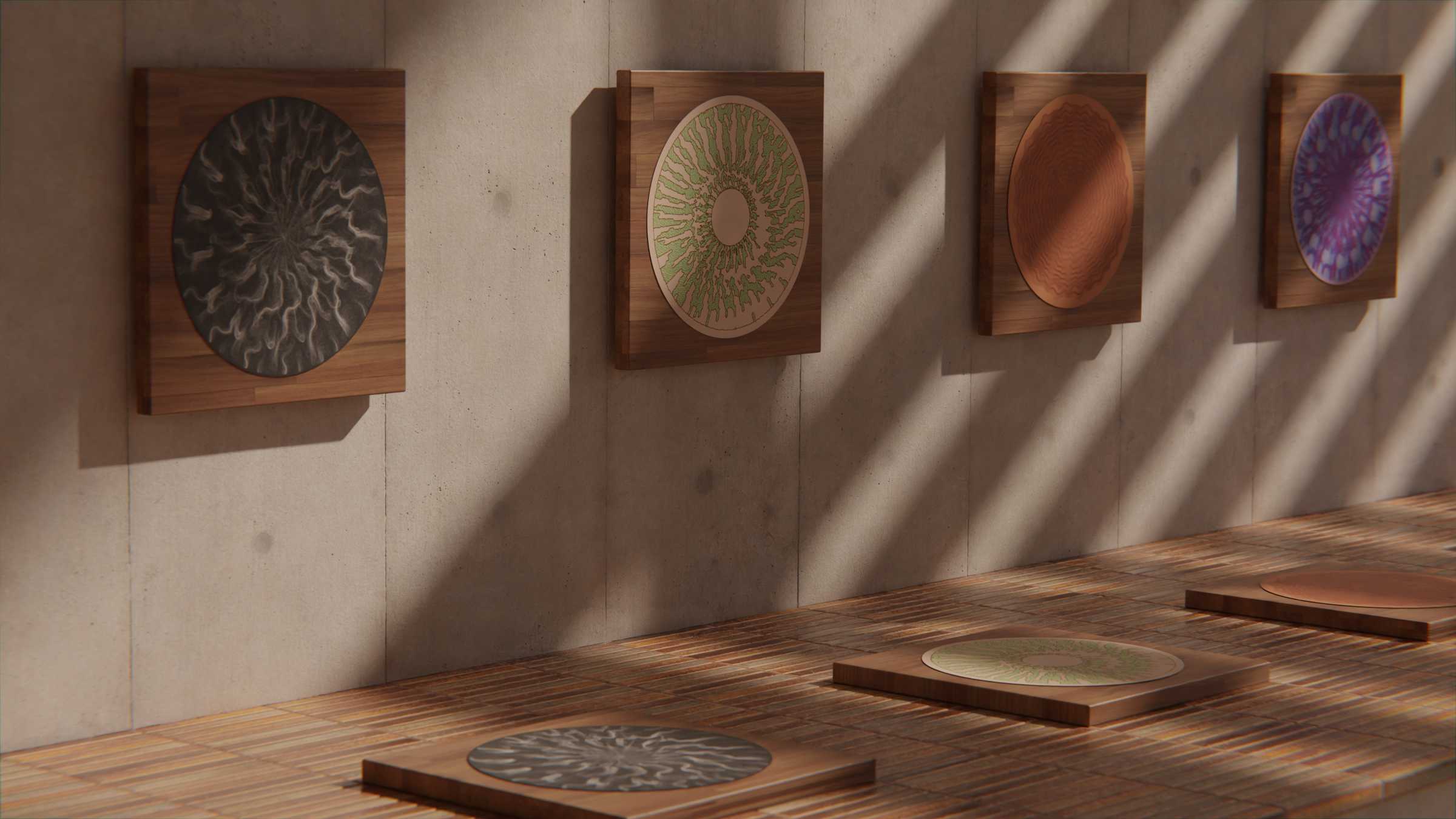
Not every prompt resulted in a work I was thrilled with, but sprinkled throughout this collection of designs are some techniques and concepts that I found to be pretty interesting. This post documents some of the more pronounced breakthroughs I had along the way.
Rekindling an old flame
My relationship with generative art has been a slow burn which began over a decade ago when I was first introduced to Processing and openFrameworks as part of my university coursework.
In fact, this exact combination of creative coding and stroboscopic discs was something I'd already dabbled in back in 2013 when I prototyped two simple generative designs using Processing as part of my Embroidered Zoetrope project.
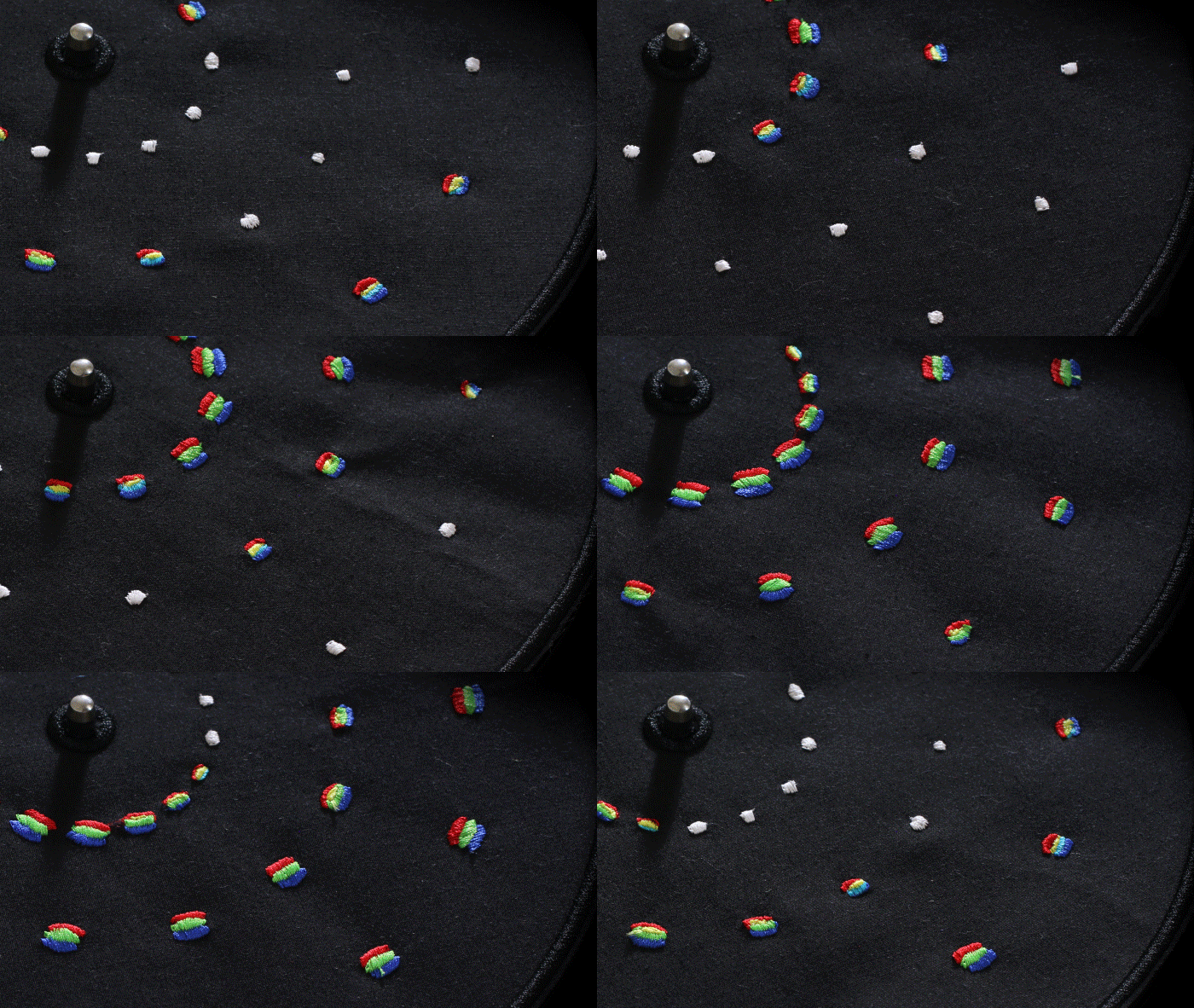
Experiments such as this were a fun challenge, but they never felt quite as expressive as the designs I animated by hand. So I mostly put this approach to one side and mostly used frame-by-frame animation for the discs I've designed in the intervening years.
Getting to grips with the format
If this is your first time learning about old-timey formats such as 'zoetropes' and 'phenakistiscopes', I'd suggest you check out my explainer article for a full introduction. However, if you're already familiar with these formats or you're just wanting to power ahead, then there is one basic characteristic that I want to emphasise here which makes them such an interesting design challenge:
"…the crucial point of difference between stroboscopic discs and screen-based animation; stroboscopic discs allow you to see every phase of an animated sequence simultaneously."
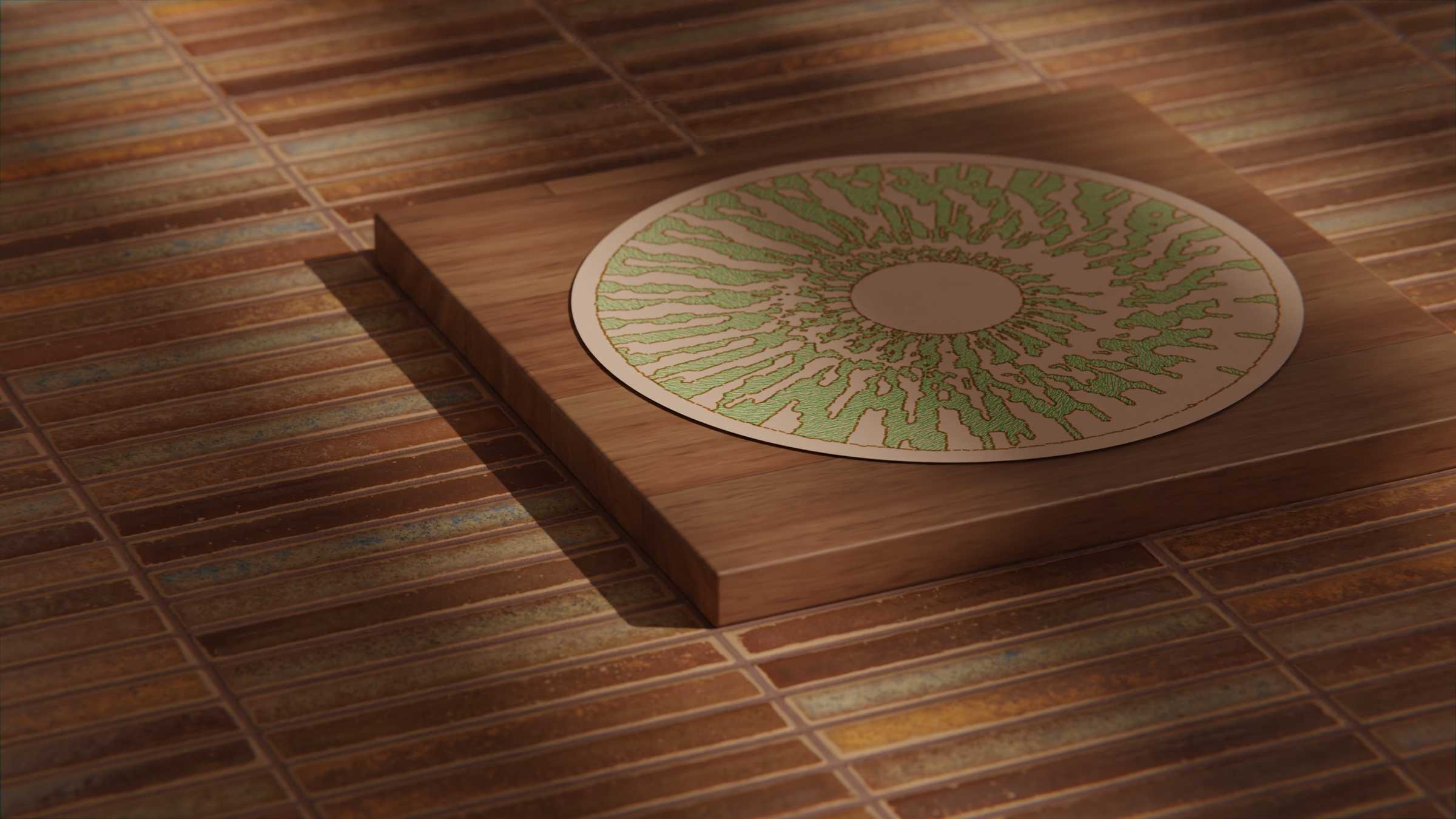
Unlike most screen-based animation, each frame is related to each other both in terms of space and time.
With simple stroboscope disc designs, this issue can largely avoided by making sure each frame of animation stays in its own 'lane'. However the possibility to have seamless animated patterns that blend into each other is where I personally find a lot of the most interesting qualities arise.
Drawing basics
Let's start by drawing shapes around our disc, one for each 'frame' of animation.
Most creative coding languages expect that you'll position your shapes using an X and Y position, because more often than not you're drawing on a rectangular screen.
For our purposes though, we want to draw all our elements around a circular layout, so it would be far easier to reference them using the radius from the centre of the disc and the relative angle.
[Interactive graphic comparing Cartesian and Polar coordinates]
Of course when coding, you still need to draw them to the canvas using X and Y coordinates, so the way to do that is to convert from polar to cartesian coordinates using the formula:
x = r × cos(θ) and y = r × sin(θ) where r is the radius and θ is the angle.
Now that we have our shapes drawn to the screen, let's spin them and synchronise their animation to see what we get.
[An interactive graphic showing how the shapes appear to be stationary when syncronised.]
It's not quite what everyone would call animation, but it's a start. We've managed to place each shape in the right location so that it's syncronised with the number of frames of animation.
My creation for Day 09 shares a lot of similarities with this approach.
[3D mockup of the Day 09 animation]
Making things move
Now that we have our shapes where we want them, we can start to make them move around.
We're currently placing everything an equal radius from the centre. What if we changed that over time?
[An interactive graphic showing how changing the radius over time makes the shapes move.]
That works, but it's not linking back up to the beginning. Let's trying controlling it with a sine wave instead.
[An interactive graphic showing how manipulating with a sine wave makes the radius makes the shapes animation up and down.]
Much better, now it's impossible to tell where the sequence starts and ends.
This doesn't only apply to translation. By using sine waves we can create all sorts of looping motion effects, like scale, rotation, colour etc.
- Day 25
Translation, advancing/regressing
Now lets see what happens when we have too many or too few shapes distributed around the disc relative to the number of frames in our animation.
[An interactive graphic showing the shapes appearing to drift forwards and backwards.]
- Day 26
Looping noise
- Day 01, Day 06
Day 17 - 'Recording' animation
Day 15, 19 & 30 - Multi-dimensional noise
Day 22 - Flow field